




 Chicken Road 2
A myth-busting look at InOut's crash game: understanding lanes, the four difficulty tiers, and when to stop.
Demo available — no registration required — no payment details asked
First time with Chicken Road 2? The concept is simpler than most people assume. A chicken crosses lanes; each lane cleared increases your multiplier. That's it.
Difficulty doesn't alter game mechanics — it only adjusts lane count, which directly affects risk. It's the single choice that matters, made with one tap before you start.
We're clarifying multipliers, explaining all four modes, and listing compatible devices. The demo is worth your time: it costs nothing, requires no account, and lets you understand Hardcore mode before real stakes are involved.
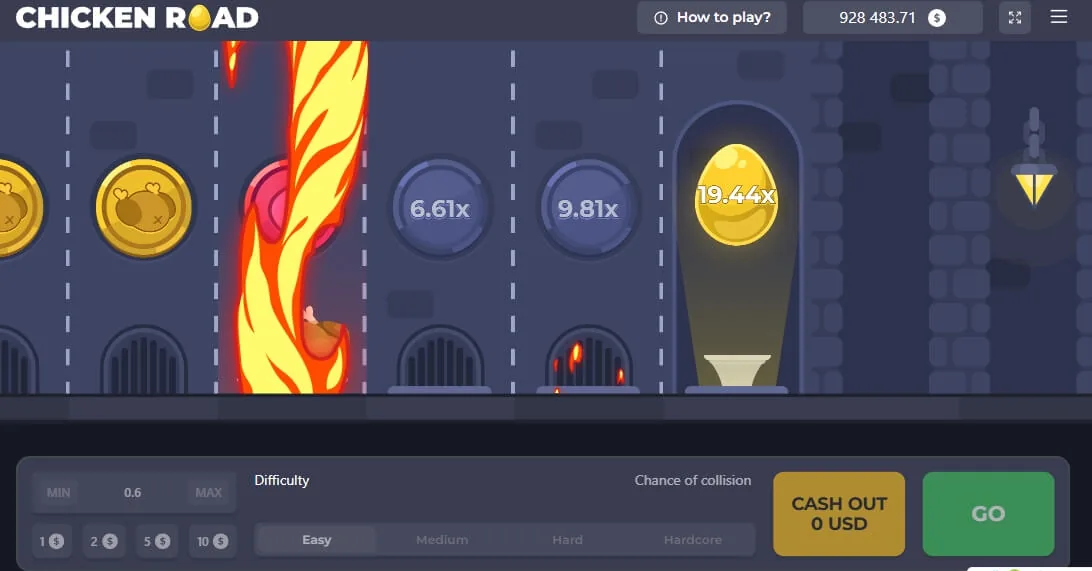
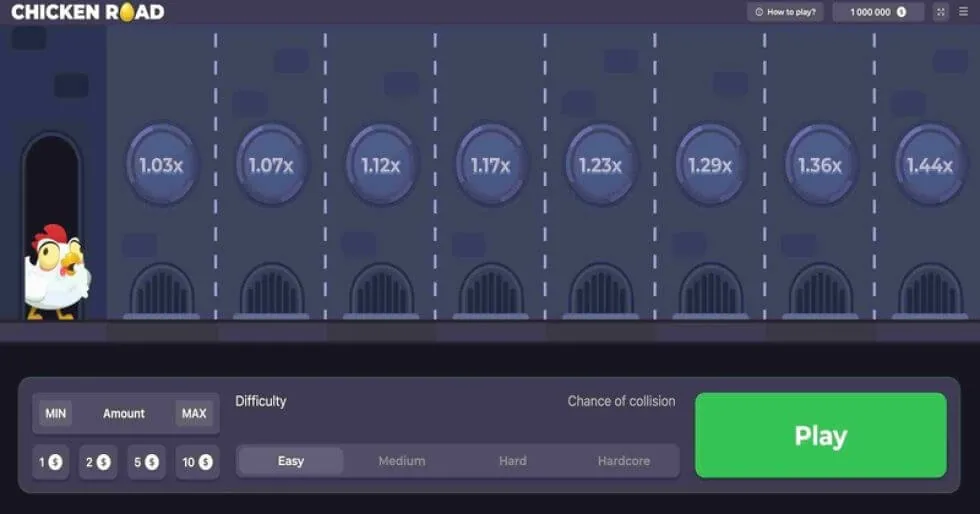
This is what drives the game: each lane crossed adds its own multiplier. Early gains are modest by design, which is precisely why the temptation to push further feels so strong.
Four tiers exist, but only one thing changes: the total number of lanes between start and finish.
Four tiers — Easy, Medium, Hard, Hardcore. This is your sole pre-round decision.
Every tap moves the chicken forward one lane and increases the on-screen multiplier accordingly.
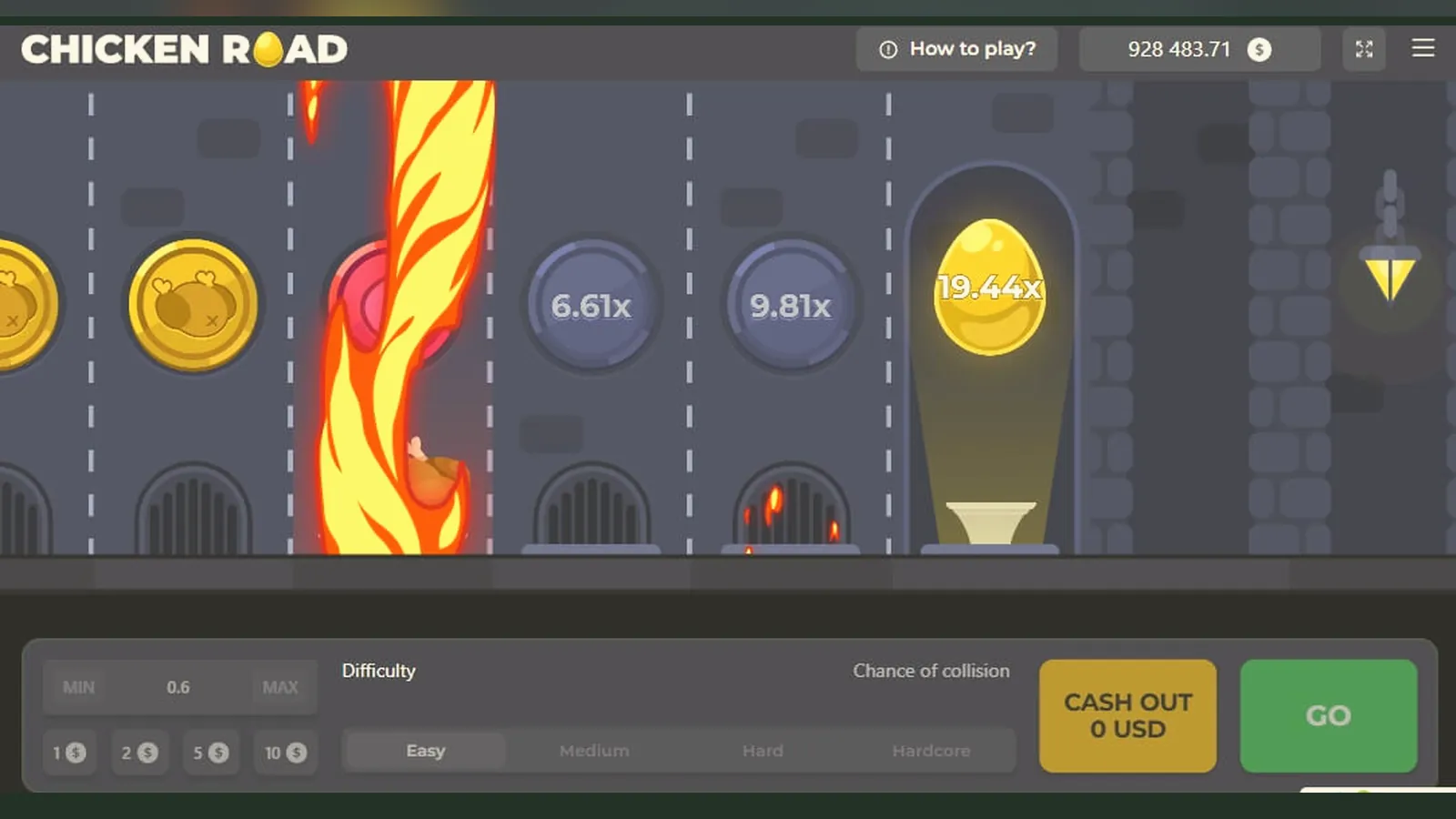
The cash-out option remains active until a collision occurs. That's your only real choice during play.
Built in HTML5: operates directly in your browser, requiring no downloads or separate applications. Display adapts automatically to screen dimensions.
The demo mirrors the paid version exactly: identical difficulty tiers, identical multipliers, identical user interface.